Embedded Studio
Your customers plan their courses inside your product
Embedded Studio is the course editor, running inside your product in your theme. The organizations you serve draw, review and publish there. You set the theme and the rules, and our servers apply those rules on every request.
Live demo
Pick a brand and the editor takes its colors
Each tab is a different kind of organization. The colors, the fonts and the layout change with it. The course stays the same.
Embedded Studio · Running brand
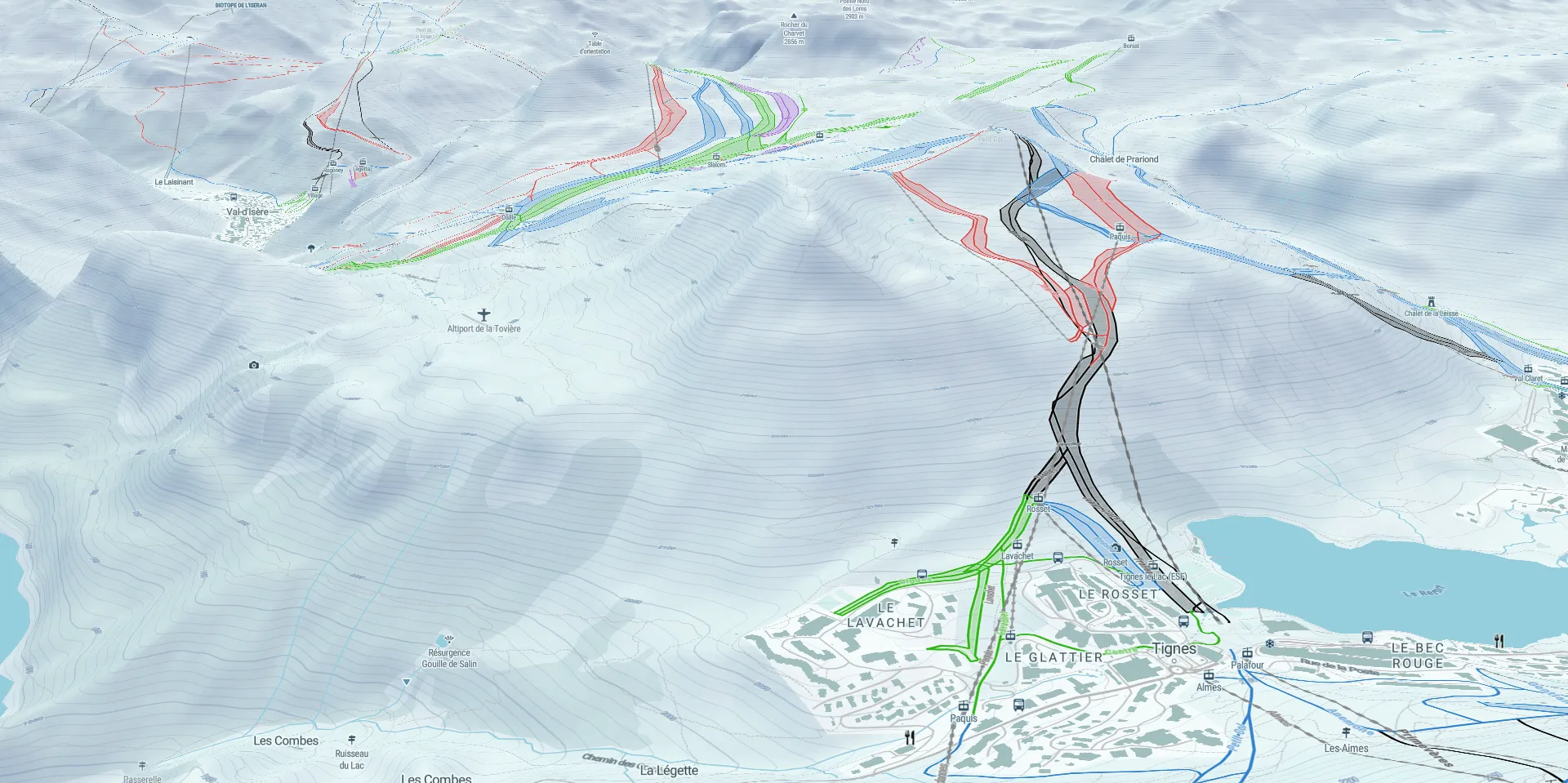
Fills the window and loads the map renderer
Works with the tools you already use


 Apple Health



 Other MCP clients
Your apps and your admin
Maps in your apps, courses in your admin
Your apps draw their maps with the Data API and the Tile API. Embedded Studio runs in your admin, where the organizations you serve plan their courses. One platform sits behind both.
- The organizations you serve plan inside your product
- Their courses reach your apps with no export
- They never open a second tool
Studio.tsx
import "@mountaya/studio-react/styles.css";
import { Mountaya } from "@mountaya/client/browser";
import { useSessionToken } from "@mountaya/client-react";
import {
  MountayaStudio,
  MountayaStudioHost,
} from "@mountaya/studio-react";
import { useState } from "react";

// Your server mints the token for the signed-in member.
const mintSession = () =>
  fetch("/api/mountaya-session").then((res) => res.json());

type Props = { publishableKey: string };

export function Studio({ publishableKey }: Props) {
  const { session } = useSessionToken({ mint: mintSession });
  const [client] = useState(
    () =>
      new Mountaya({
        credential: { publishableKey, sessionToken: session },
      }),
  );

  return (
    <MountayaStudioHost client={client}>
      <MountayaStudio />
    </MountayaStudioHost>
  );
}
Three ways to hand over a map
Publish the map, embed the editor, or build your own
A published map is the finished course, read-only, on any page. The editor is where your customers work on a course. The SDKs & Elements are the parts for an editor of your own. All three read the same itinerary.
Embedded Studio: editing
A themed editor inside your product. Your customers draw, review and publish within the rules you set.
Who would use Embedded Studio in your product?
Tell us who you serve. We show you Embedded Studio as they would see it, in your theme.
Frequently asked questions
No. The organizations you serve work inside your product, through your credentials. Keys, quotas and the console stay with you. An organization that wants keys of its own opens its own Mountaya account, and signs its own agreement for anything beyond the Data API.
Yes. Sell it, run subscriptions, charge in-app or carry advertising. Your users can be professionals or consumers, and they create, edit and publish under your own agreement. The pricing page explains how their publications are counted.
No. Reselling, sub-licensing or re-invoicing Mountaya is outside what we offer. You charge for your own product, your integration and your support.
No. Embedded Studio is the finished editor: mount it and apply your theme. If you want a different editor, the SDKs & Elements give you the parts ours is built from.
Yours, with the white-label option. It removes the Mountaya mark from the editor and the published maps. The attributions of our data providers, OpenStreetMap's among them, stay on every map.